
Supreme NiuNiu Registration: Invite Code & QR Code Guide
Supreme NiuNiu registration is completed through the official Telegram mini app. Start from the Supreme NiuNiu website, click the registration link, and on the Supreme NiuNiu Telegram page choose "OPEN APP" to launch Telegram. Then bind your referrer, bind your current device and select your system language. You can enter the referrer's UID or scan their invite QR code. The steps below follow the actual registration screens and cover everything you need to know.
- 1. Supreme Bull Bull Registration Steps
- 2. How to Use the Supreme Bull Bull Invitation Code and QR Code
- 3. How to Bind Your Current Device When Registering
- 4. How to Choose Your System Language After Registering
- 5. How to Enter Supreme Bull Bull After Registering
- 6. Supreme Bull Bull Registration Notes
- 7. Supreme Bull Bull Registration FAQ
Supreme Bull Bull Registration Steps
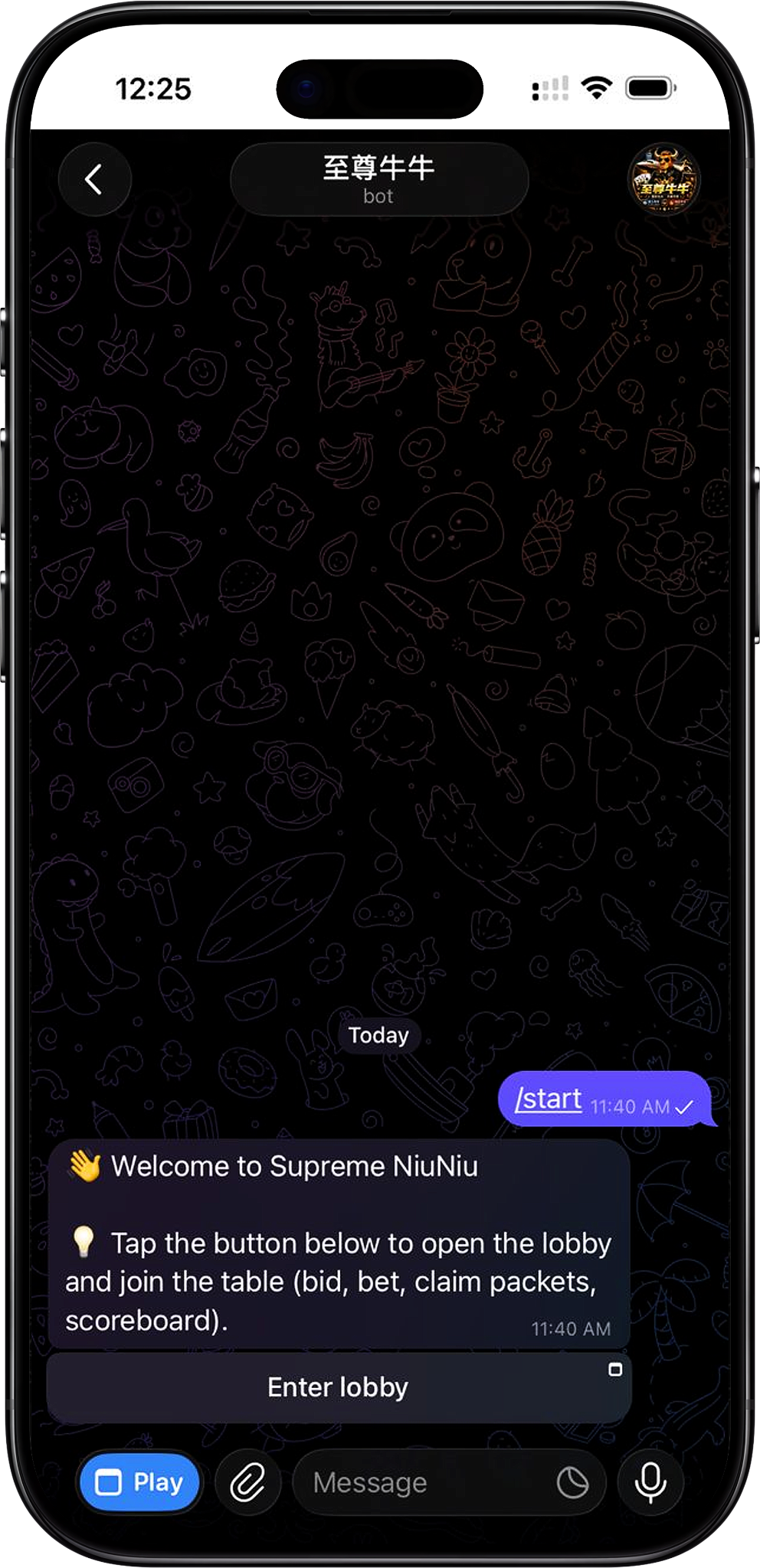
Registration for Supreme NiuNiu starts at the official website and is completed inside the official Telegram mini app. The process covers opening Telegram, binding your referrer, binding your current device and choosing a system language. Follow the on-screen prompts step by step to enter the Supreme NiuNiu lobby.
Step 1: Go to the registration entry on the Supreme NiuNiu website
On the current Supreme NiuNiu website, click the "Register" button and you'll be taken to the Supreme NiuNiu Telegram registration entry. We recommend using the entry provided on the official website to avoid landing on pages unrelated to the platform.
Step 2: Tap OPEN APP to open Telegram
On the Supreme NiuNiu Telegram page, you'll see the official mini app and the "OPEN APP" button. Tap "OPEN APP" to open the Supreme NiuNiu mini app through Telegram and begin registration. If Telegram isn't installed on your device yet, install it and log in first.
Step 3: Enter the invite code or scan the invite QR code
At registration step 1, "Bind Referrer", enter the referrer's UID or tap "Scan Invite QR Code" to read the invitation details. Once the referrer is displayed and you've confirmed it's correct, tap "Confirm Binding".
Step 4: Confirm binding of your current device
After binding your referrer, you'll arrive at the new device login page. Supreme NiuNiu allows one account per device. Confirm your current device, then tap "Bind This Device" to link your account to it.
Step 5: Select your system language
At registration step 2, "Select System Language", choose the interface language you use every day. Options currently include 中文, English, Bahasa Melayu, ไทย and Tiếng Việt. Once selected, tap "Next" to continue.
Step 6: Enter the Supreme NiuNiu lobby
Once the registration settings are complete, you can enter the Supreme NiuNiu lobby. It offers deposits, withdrawals, referral rebates, daily rewards and game entries, so you can open any page to view its features and rules.
How to Use the Supreme Bull Bull Invitation Code and QR Code
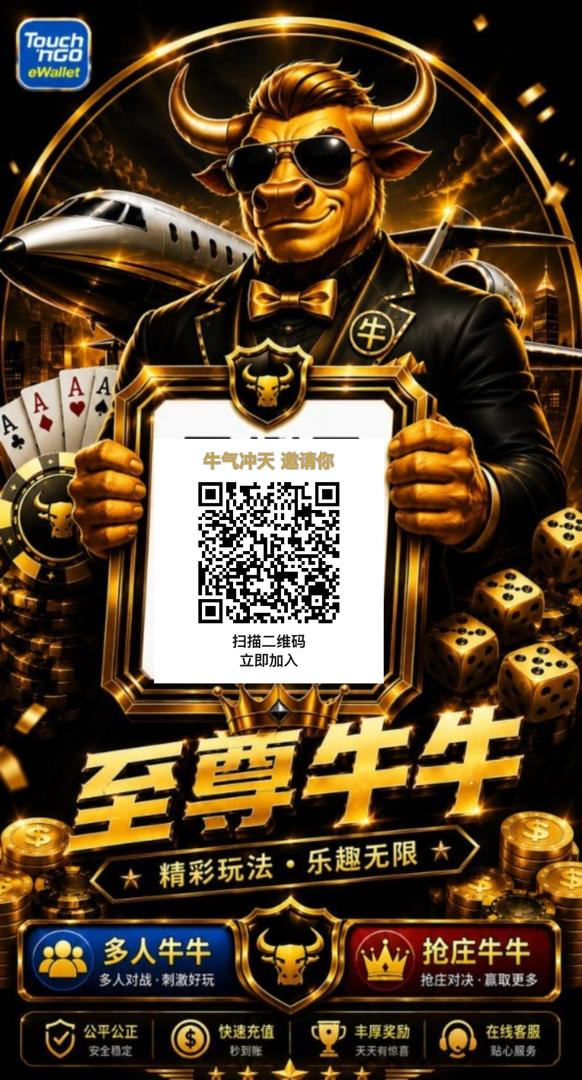
The Supreme NiuNiu invite code is used to bind your referrer during registration. The registration screen offers two options, the referrer's UID or an invite QR code. Use whichever matches the invitation details you received to complete the link.
Use the referrer's UID
If you already have the referrer's UID, enter the number in the "Referrer UID" field. The system will display the referrer's details once recognized, so confirm it's the right person before binding.
Scan the invite QR code
If you received a Supreme NiuNiu invite QR code, tap "Scan Invite QR Code" on the registration page to read the invitation details. Once it's recognized, check the referrer shown on the page before confirming the binding.
Confirm the referrer before binding
The registration page clearly states that a referral link cannot be changed once bound, so don't confirm before checking the invitation details. Whether you use a UID or a QR code, go by the referrer finally displayed on the page.
How to Bind Your Current Device When Registering
To keep account assets secure, Supreme NiuNiu uses single-device binding: one account is bound to one device. When you first reach the new device login page during registration, you need to confirm the device you're using and complete the binding.
Tap "Bind This Device"
After confirming your current phone on the new device login page, tap "Bind This Device" to link it. The page also reminds you to make sure Touch 'n Go is installed and logged in on this device, so that later deposits, withdrawals and game features work normally.
What to do when you change devices
If you need to switch devices later, you can rebind through the login page using your payment password. If the rebind can't be completed, contact 至尊牛牛 support for help. So register on the device you plan to use long term, since your first binding is made there.
How to Choose Your System Language After Registering
During registration, 至尊牛牛 lets you choose a system language, so you can set the mini program's interface and notification language to suit your habits. Once you've chosen, the interface displays in that language.
Available system languages
The registration screen currently shows 中文, English, Bahasa Melayu, ไทย and Tiếng Việt. Select your language and tap "Next" to continue. You can also change the system language later in Settings.
How to Enter Supreme Bull Bull After Registering
Once registration and basic setup are done, you'll land in the 至尊牛牛 lobby. The home page shows platform announcements, daily rewards and popular games, with quick access to deposits, withdrawals, referral rebates and other key features.
Enter games from the lobby
Open 至尊牛牛 card games from the "Popular Games" section of the 至尊牛牛 lobby. Before you start, check the game rules, how payouts are settled and other related rules to understand the basic flow between banker and player.
View your account and platform features
The bottom of the lobby offers main navigation for Lobby, Wallet, Messages and Me. To deposit, withdraw or check daily rewards, you can also go straight to the matching feature from the home page.
Supreme Bull Bull Registration Notes
Before registering, make sure you're using the correct official website and Telegram mini program entry, and carefully check the referrer and device binding details. For anything involving your account, device or payments, follow the prompts on the page.
Check the referrer's details
Once a referrer is confirmed and bound, it can't be changed. After entering the UID or scanning the QR code, first check that the referrer details shown by the system are correct, then tap Confirm.
Register on your own regular device
Since 至尊牛牛 allows one device binding per account, we recommend registering on the device you plan to log in with long term. If you need to change phones, follow the platform's device rebinding process.
Go to the Telegram registration page from the official website
When registering, we recommend using the registration link on the 至尊牛牛 official website to reach the official Telegram mini program. Check the 至尊牛牛 name and details shown on the page before you continue.
Supreme Bull Bull Registration FAQ
Where do I register for 至尊牛牛?
Registration for 至尊牛牛 is mainly completed in the official Telegram mini program. Click the registration link on the official website, then tap "OPEN APP" on the Telegram page to open the mini program and start.
Do I have to enter an invitation code to register?
The current registration flow includes a "Bind Referrer" step. You can enter the referrer's UID or scan their invitation QR code to link them. Go by the actual referral details provided on the registration page.
What's the difference between the invitation QR code and the referrer's UID?
Both are ways to identify and bind a referrer. If you already have a UID, enter it directly; if you've received a QR code, you can scan it. Either way, check the referrer's details before confirming the binding.
Can I change my referrer after binding?
According to the registration page, a referrer can't be changed once bound. So before tapping "Confirm Binding", make sure the UID, QR code and the referrer details shown on the page are all correct.
Why do I need to bind a device when registering?
Supreme Bull Bull uses a one-account-one-device binding system to keep your account assets secure. You'll bind your current device at first registration, and any later device change follows the platform's device rebinding process.
Can I change the language after registering?
Yes. When you first register, you can choose Chinese, English, Bahasa Melayu, ไทย or Tiếng Việt, and you can still change the system language in Settings once registration is complete.
Start Your Supreme Bull Bull Registration
Open the official Telegram mini app from the Supreme Bull Bull website, then follow the prompts on the registration page to bind your referrer and current device and choose your system language to complete registration.